PowerPoint Blogs – Learn, Create, and Present Better

Welcome to SlideMasterz PowerPoint Blogs – your trusted space to explore PowerPoint tips, tricks, and tutorials that help you design stunning, professional presentations. Whether you’re a beginner learning the basics or an experienced presenter looking for creative design ideas, our blogs make it easy to learn PowerPoint step-by-step.

Microsoft PowerPoint is more than just slides and text. With the right approach, you can combine images, icons, animations, and graphics to turn your ideas into powerful visual stories. Our guides cover everything – from choosing the perfect color palette, customizing fonts, and creating eye-catching diagrams, to adding animations that keep your audience engaged.

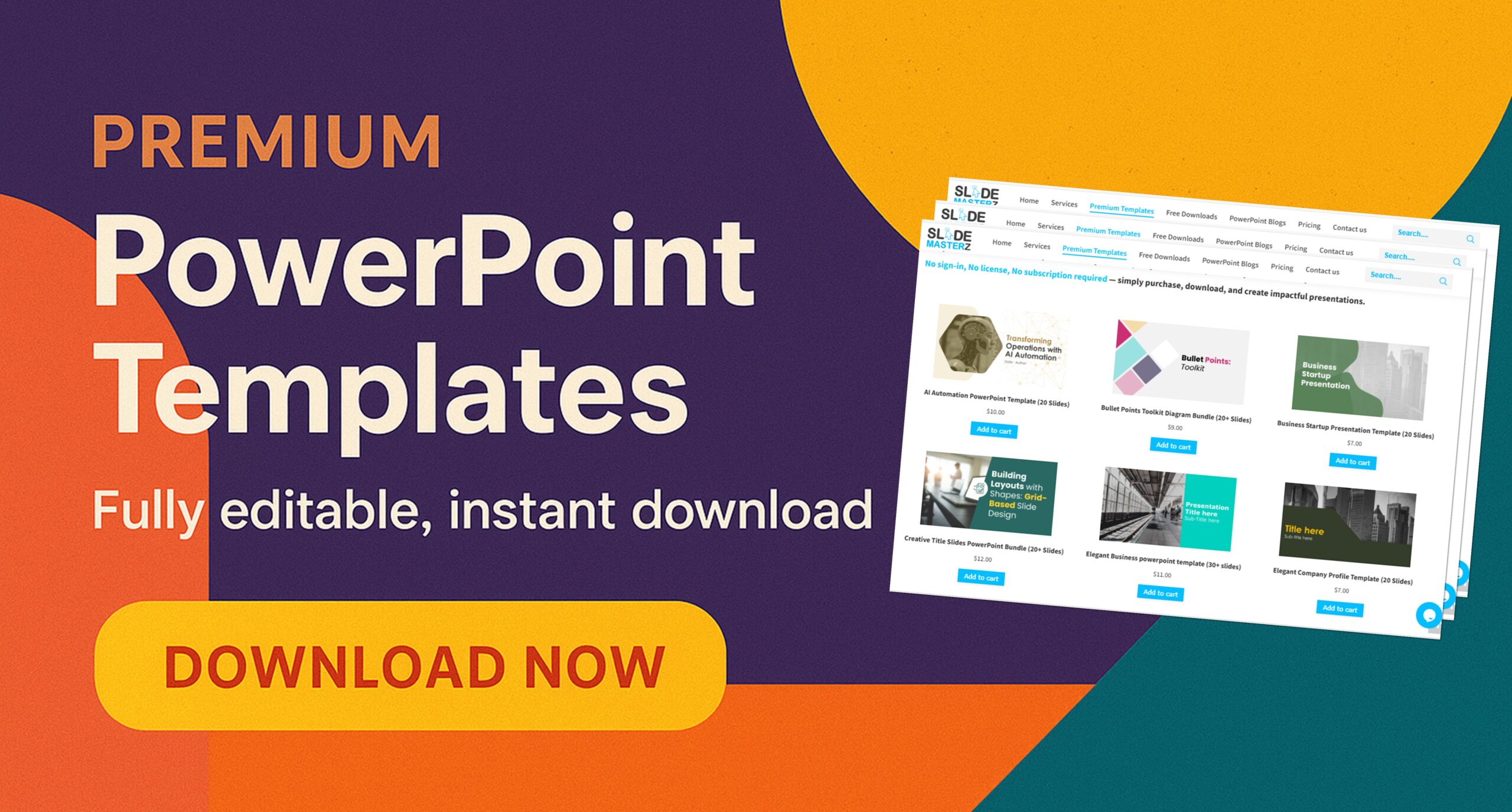
Looking for something Creative and Innovative Check our Premium PowerPoint Templates now.

📌 Start with Our Most Popular Blogs:

🎁 Free Bonus for Readers
Want ready-to-use professional slides? Download our Free PowerPoint Templates and start designing your next presentation in minutes.

We regularly add new blogs so you can stay updated with fresh techniques and creative ideas. From business presentations to school projects, you’ll find everything you need to make your slides more impactful and memorable.

—————————————————————————————————————————–

PowerPoint BlogPowerPoint Tips

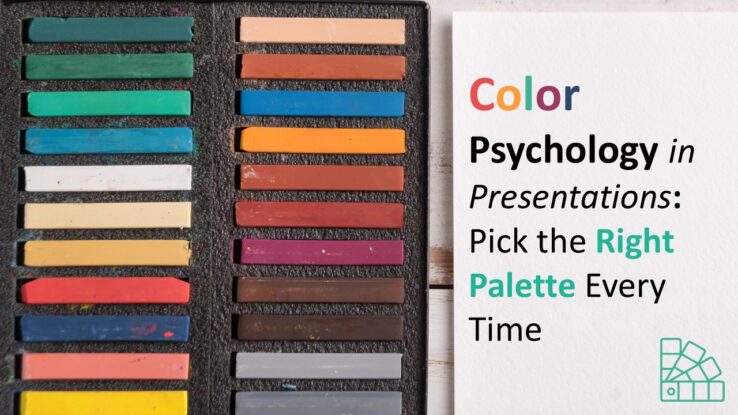
Color Psychology in Presentations: Picking Right Palette

Did you know the colors you choose for your PowerPoint slides can influence how your audience thinks and feels? Color isn’t just decoration—it’s a powerful psychological tool that can enhance communication, create emotional impact, and drive decisions. In this blog, we’ll explore how to use color psychology to design better presentations—and we’ll share free PowerPoint…

Read more
PowerPoint BlogPowerPoint TipsShapes Building Layouts with Shapes: Grid-Based Slide Design

Building Layouts with Shapes: Grid-Based Slide Design

When it comes to creating clean, organized, and visually compelling PowerPoint presentations, layout is everything. A well-structured layout not only makes your content easier to follow but also enhances the overall professionalism of your slides. One highly effective method for achieving this is using a grid-based design built entirely with PowerPoint shapes. In this blog,…

Read more
PowerPoint BlogPowerPoint Tips Beyond Bullet Points: Creative Alternatives for Presenting Lists

List Design Ideas That Go Beyond Bullet Points

When you think of PowerPoint, chances are your mind jumps to slides filled with bullet points. While bullets can be useful, overusing them makes presentations look monotonous and uninspired. If you’re aiming to create more engaging and visually dynamic slides, it’s time to go beyond bullet points. Audiences today are exposed to countless presentations—whether in…

Read more
AnimationsPowerPoint BlogPowerPoint TipsShapes Animating Shapes: Make Your Slides Pop with Movement

Animating Shapes: Make Your Slides Pop with Movement

Adding movement to your slides can transform a static presentation into an engaging, dynamic experience. One of the most effective and easy ways to do this in PowerPoint is by animating shapes. Whether you’re highlighting key points, guiding your audience’s attention, or just adding some creative flair, animations bring your content to life. In this…

Read more
PowerPoint BlogPowerPoint Tips

Adding Hyperlinks in PowerPoint A Beginner’s Guide

PowerPoint is more than just a tool for creating slides—it’s an interactive platform that allows you to make your presentations dynamic, engaging, and easy to navigate. One of the most effective ways to make your slides more interactive is by Adding Hyperlinks in PowerPoint. Whether you want to link to a website, a specific slide,…

Read more
Charts & GraphsPowerPoint BlogPowerPoint Tips A Guide to PowerPoint’s SmartArt: Turning Text into Stunning Graphics

PowerPoint SmartArt: Turning Text into Stunning Graphics

PowerPoint presentations don’t have to be filled with dull bullet points and endless text. SmartArt is a built-in feature that allows you to convert plain text into engaging visuals, making your slides more appealing and easier to understand. In this guide, we’ll explore how to use SmartArt to transform your content into professional-looking graphics with…

Read more
PowerPoint BlogPowerPoint TipsShapes Free PowerPoint Knowledge

A Beginner’s Guide to PowerPoint’s Insert Menu: Adding Media, Shapes, and More

When you open PowerPoint, one of the most powerful tools at your disposal is the Insert Menu. It’s the gateway to transforming a blank slide into a compelling visual story. Whether you’re looking to add media, charts, shapes, or even entire slides from another presentation, mastering the Insert Menu will take your presentation skills to…

Read more
PowerPoint BlogPowerPoint Tips

7 Slide Design Mistakes That Make You Look Unprofessional

Even the best ideas can fall flat if your slides are poorly designed. Whether you’re presenting to clients, colleagues, or a large audience, your visuals matter more than you think. Design mistakes can make your message confusing—or worse, make you look unprepared. In this blog, we’ll highlight 7 common slide design mistakes and how to…

Read more
PowerPoint BlogPowerPoint Tips 5 Slide Design Mistakes That Are Ruining Your Presentation

5 Slide Design Mistakes That Are Ruining Your Presentation

A well-designed PowerPoint presentation can captivate your audience and enhance your message. However, many presenters unknowingly make common slide design mistakes that can weaken their impact. If you want your slides to be clear, engaging, and professional, avoid these five critical slide design mistakes that could be ruining your presentation.   1. Too Much Text…

Read more
PowerPoint BlogPowerPoint TipsShapes PowerPoint tools

5 Basic PowerPoint tools: Know-How

PowerPoint tools can enhance your presentation which can also be used to create creative diagrams and graphics. Mastering PowerPoint tools helps improve efficiency and design quality. Whether you’re creating a business pitch or an educational presentation, these tools save time and add a professional touch to your slides. The following five tools are essential building…

Read more

————————————————